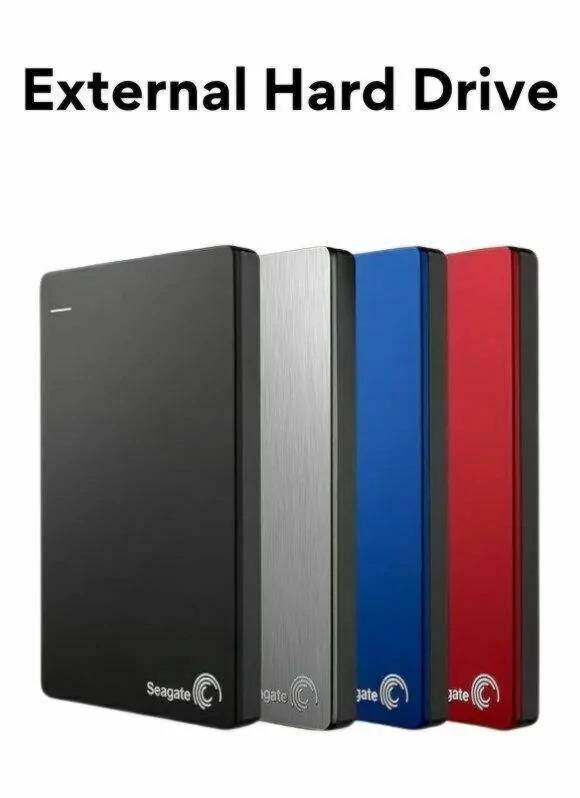
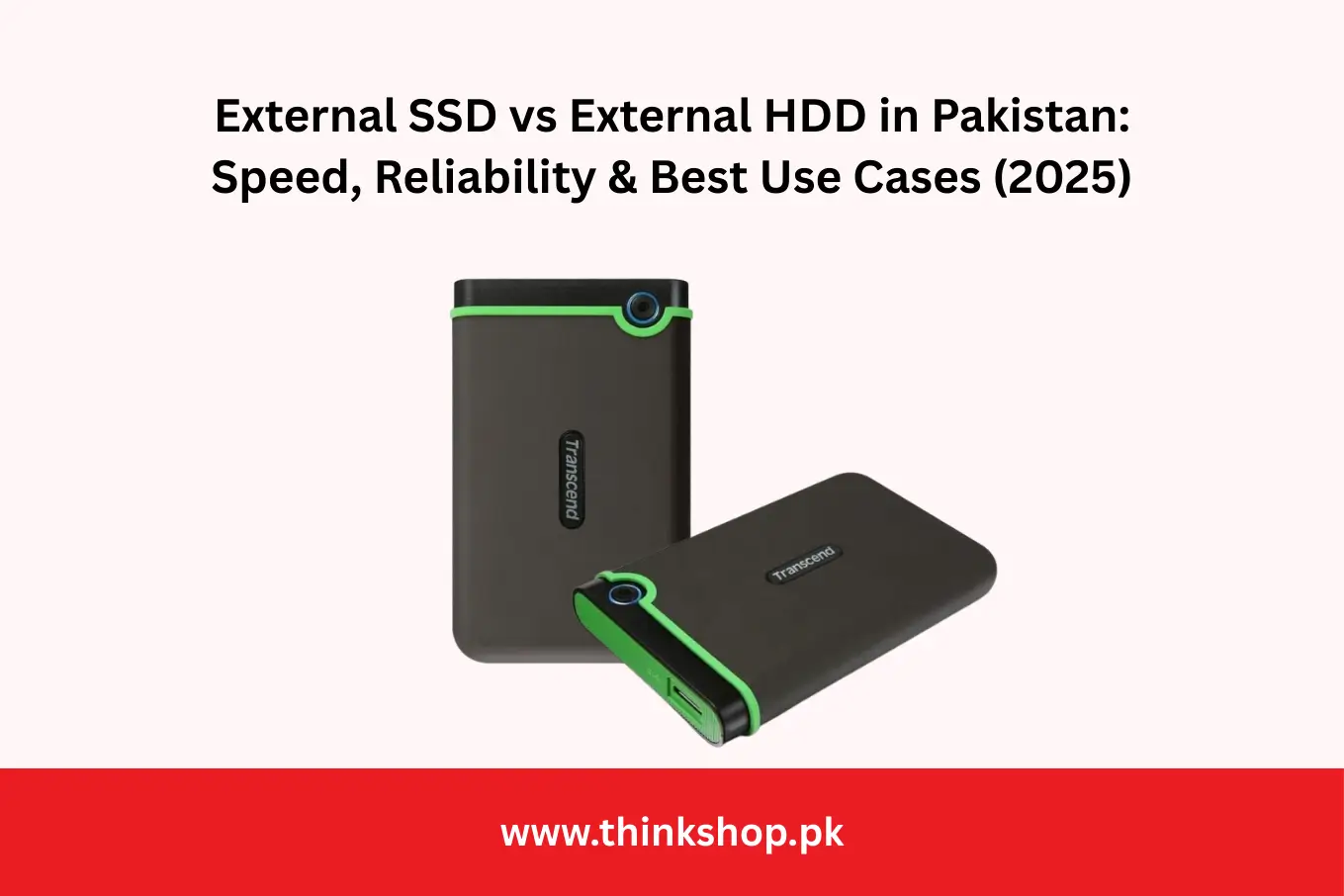
Whether you’re backing up a business laptop, moving large media files or expanding console storage, the big question remains: external SSD or external HDD? Here’s a clear, Pakistan-focused comparison to help you buy confidently.
Speed: how fast do you need to go?
- External SSD (Solid-State Drive): Great for speed. Apps launch faster and file copies feel snappy. If you regularly move high-resolution photos, 4K footage or large project folders, an SSD saves real time.
- External HDD (Hard Disk Drive): Fine for bulk storage and archival backups where speed isn’t critical—think semester notes, documents and media you don’t open daily.
Rule of thumb: If speed directly affects your workflow (editing, frequent transfers), choose SSD. For infrequent access or large cold-storage backups, HDD is the budget hero.
Durability & portability
- SSD: No moving parts, so it’s better against bumps while traveling. Pocket-friendly and lighter.
- HDD: Uses spinning platters—more sensitive to shocks. Keep it on a desk and handle gently, especially during use.
If you commute between campus and office or travel often, SSD offers peace of mind.
Capacity & price per GB
- HDD: The undisputed value king at high capacities (2–5TB+).
- SSD: Prices have dropped a lot, but per-GB cost is still higher—though worth it for the speed and durability benefits if you need them.
A practical combo for many users in Pakistan is SSD for active projects and HDD for monthly backups.
Connectivity & compatibility
Look for USB-C or USB-A (USB 3.x) compatibility with your laptop and check the included cable. Newer laptops may only have USB-C ports; dongles or the right cable keep things simple. If you intend to run apps or games off the drive, prefer USB 3.2 (or better) SSDs for smoother performance.
Use-case picks
- Students & office work: 500GB–1TB SSD for fast work files; optional 2TB HDD for archives.
- Photographers & videographers: 1–2TB SSD for active shoots; 4–8TB HDD for long-term backup.
- Gamers: SSDs reduce load times; HDDs are fine for large, seldom-played libraries.
- Small business owners: Keep accounts and docs on SSD; replicate to an HDD weekly for redundancy.
Care tips to extend lifespan
- Back up regularly. One copy isn’t a backup.
- Avoid full drives. Leave 10–20% free space for best performance.
- Store cool and dry. Heat is the enemy of electronics (and spinning disks).
- Eject safely before unplugging, every time.
Keep exploring
Before you choose a brand or model, it helps to understand your laptop options too. These quick reads from your blog can guide the decision end-to-end:
- [Lenovo Laptops: A Perfect Blend of Power and Affordability] — helpful if you’re eyeing Lenovo systems for school or work. thinkshop.pk
- [Dell Laptops in 2024: Which Model is Right for You?] — a simple breakdown of Dell lineups for different needs. thinkshop.pk
Conclusion
Choose external SSD if you’re performance-oriented or frequently on the move; choose external HDD if you need the most terabytes for the lowest price. Many buyers in Pakistan use both: SSD for speed today, HDD for safe backups tomorrow. Match the drive to your workflow and your storage setup will feel effortless.
If you have any questions regarding “External SSD vs External HDD”, feel free to contact via email at order@thinkshop.pk or call us at 0321 422 8888 | 0321786 1777
Disclaimer: The information provided above is subject to change and reflects the views of the author. It is shared for general informational purposes only. Readers are advised to use their own judgment and seek specific professional advice before making any purchasing decisions. ThinkShop.pk is not liable for any actions taken by the reader based on the information shared in this article. We recommend consulting with us directly before making any purchasing decisions based on the information provided.