





Buying a laptop is a significant investment. To make sure you get the best deal from ThinkShop.pk you should adopt smart strategies. In this post I’ll share five practical tips you can use to stretch your budget and get better value.
1. Monitor Seasonal Sales and Flash Deals
Major shopping events such as Eid, Pakistan Day, Black Friday or year-end sales often bring deep discounts. ThinkShop.pk may run flash sales or limited time coupons on laptop models. If you are flexible with timing you can capture better deals by watching announcements or subscribing to their newsletter.
2. Compare Similar Models and Specs
Two laptop models might look similar but differ in CPU, GPU, SSD or display quality. On ThinkShop.pk check side by side comparisons of models in your budget range. Sometimes spending slightly more for 16 GB RAM or a faster SSD yields much better performance long term than going cheaper.
3. Use Bundle Offers and Accessory Discounts
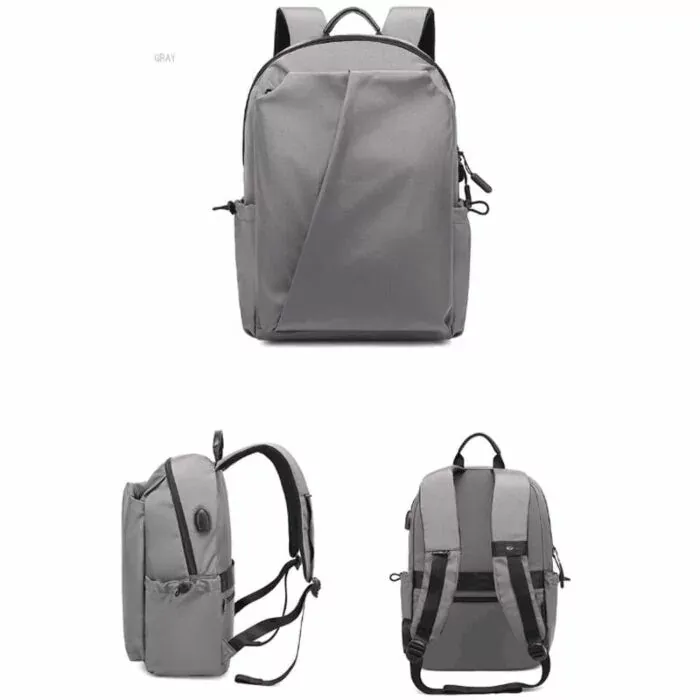
Instead of buying accessories separately you can take advantage of bundle deals on ThinkShop. Sometimes purchasing a laptop with a cooling pad, bag or extra SSD gives overall savings. Use those combos rather than separate purchases.
4. Check Warranty, Invoice and Service Terms
Never complete a purchase without verifying warranty details. Ensure the seller issues a proper invoice and warranty card. Because ThinkShop offers local warranty support you should ask about local service centers in your city. Keep your invoice safe to claim repairs if needed.
5. Negotiate or Ask for Extras
Sometimes simply asking for an extra accessory (mouse, laptop mat) or a small discount can succeed. Contact ThinkShop’s support or sales team before placing your order especially for higher end models. They may throw in small freebies or lower final cost slightly.
Bonus Tip: Use Price Alerts and Tracking
Use browser extensions or apps that alert you when the price of a laptop drops on ThinkShop.pk. If you track a model for several days you might notice a dip. Be ready to act quickly because good deals often sell out fast.
How to Prepare Before Buying
- Make a list of nonnegotiable specs (CPU, RAM, GPU, battery life)
- Check your total budget including shipping and taxes
- Visit ThinkShop.pk’s “New Laptops” and “Best Selling” sections
- Use site filters to narrow models meeting your criteria
- Read past customer reviews on the site or third party forums
Why These Tips Work on ThinkShop.pk
Because ThinkShop handles stock locally it can run specials and bundles that foreign sites can’t. Their return policy and warranty reduce risk of buying expensive electronics. By combining these tactics you maximize the value from every purchase.
Conclusion
A smart buyer doesn’t just pick the first laptop that looks good. By timing purchases catching bundle deals verifying warranty details and using price alerts you can secure high performance machines at affordable costs. Apply these tips on ThinkShop.pk and you’ll make a more confident, value-driven purchase.
If you have any questions regarding “Best Laptop Deal”, feel free to contact via email at order@thinkshop.pk or call us at 0321 422 8888 | 0321786 1777
Disclaimer: The information provided above is subject to change and reflects the views of the author. It is shared for general informational purposes only. Readers are advised to use their own judgment and seek specific professional advice before making any purchasing decisions. ThinkShop.pk is not liable for any actions taken by the reader based on the information shared in this article. We recommend consulting with us directly before making any purchasing decisions based on the information provided.